Designing AI Agent Architectures
TL;DR
Effective AI agents use a loop of observe-think-act with explicit tool definitions, structured memory, and guardrails that prevent unbounded execution.
AI agents extend language models beyond single-turn question answering into autonomous, multi-step task execution. An agent observes its environment, reasons about what to do next, executes actions via tools, and iterates until the task is complete.
The Agent Loop
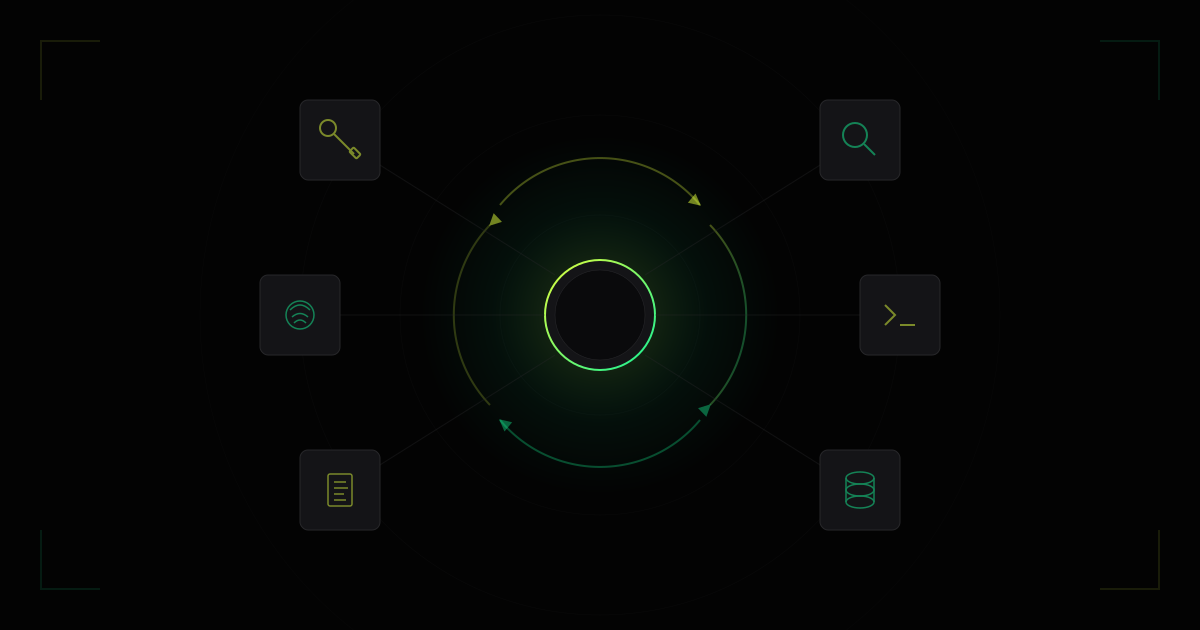
Every agent architecture reduces to the same core loop: observe, think, act. The model receives context (observations), generates a plan or next action (thinking), and executes that action (acting). The result feeds back as a new observation, and the loop repeats.
interface AgentState {
  messages: Message[];
  toolResults: ToolResult[];
  iterationCount: number;
  maxIterations: number;
}

interface ToolCall {
  name: string;
  arguments: Record<string, unknown>;
}

interface ToolResult {
  toolName: string;
  result: unknown;
  error?: string;
}

async function agentLoop(
  goal: string,
  tools: ToolDefinition[],
  maxIterations = 10
): Promise<string> {
  const state: AgentState = {
    messages: [{ role: "user", content: goal }],
    toolResults: [],
    iterationCount: 0,
    maxIterations,
  };

  while (state.iterationCount < state.maxIterations) {
    const response = await llm.chat({
      messages: state.messages,
      tools,
      tool_choice: "auto",
    });

    // If the model returns text without tool calls, it is done
    if (!response.toolCalls || response.toolCalls.length === 0) {
      return response.content;
    }

    // Execute each tool call
    for (const call of response.toolCalls) {
      const result = await executeTool(call.name, call.arguments);
      state.messages.push({
        role: "tool",
        content: JSON.stringify(result),
        toolCallId: call.id,
      });
    }

    state.iterationCount++;
  }

  return "Max iterations reached. Task incomplete.";
}
The maxIterations guard is critical. Without it, an agent can loop indefinitely on tasks it cannot solve, burning tokens and compute.
The most common failure mode in agent systems is not incorrect reasoning — it is unbounded execution. Always enforce iteration limits and token budgets.
Tool Definitions
Tools give agents the ability to interact with external systems. Each tool is defined by a name, description, and a parameter schema that the model uses to generate structured calls.
interface ToolDefinition {
  name: string;
  description: string;
  parameters: {
    type: "object";
    properties: Record<string, {
      type: string;
      description: string;
      enum?: string[];
    }>;
    required: string[];
  };
}

const tools: ToolDefinition[] = [
  {
    name: "search_codebase",
    description: "Search for files or code patterns in the repository",
    parameters: {
      type: "object",
      properties: {
        query: {
          type: "string",
          description: "Search query — file name, function name, or regex pattern",
        },
        file_type: {
          type: "string",
          description: "Filter by file extension",
          enum: ["ts", "js", "py", "go", "rs"],
        },
      },
      required: ["query"],
    },
  },
  {
    name: "read_file",
    description: "Read the contents of a file at the given path",
    parameters: {
      type: "object",
      properties: {
        path: {
          type: "string",
          description: "Absolute or relative file path",
        },
      },
      required: ["path"],
    },
  },
];
Tool descriptions matter more than you might expect. The model relies on them to decide which tool to use and how to construct arguments. Vague descriptions lead to incorrect tool selection.
Tool Execution Safety
Never execute tool calls blindly. Validate arguments, enforce permissions, and sandbox side effects:
async function executeTool(
  name: string,
  args: Record<string, unknown>
): Promise<ToolResult> {
  const tool = toolRegistry.get(name);
  if (!tool) {
    return { toolName: name, result: null, error: "Unknown tool" };
  }

  // Validate arguments against schema
  const validation = validateArgs(tool.parameters, args);
  if (!validation.valid) {
    return { toolName: name, result: null, error: validation.error };
  }

  // Execute with timeout
  const result = await Promise.race([
    tool.execute(args),
    timeout(30_000).then(() => {
      throw new Error("Tool execution timed out");
    }),
  ]);

  return { toolName: name, result };
}
Agent Architecture Patterns
Different tasks call for different agent structures. The following table summarizes the most common patterns.
| Pattern | Description | Best For | Complexity |
|---|---|---|---|
| ReAct | Interleaved reasoning and acting | General-purpose tasks | Low |
| Plan-and-Execute | Generate full plan, then execute steps | Multi-step workflows | Medium |
| Reflection | Agent critiques its own output and iterates | Code generation, writing | Medium |
| Multi-Agent | Multiple specialized agents collaborate | Complex systems | High |
| Hierarchical | Manager agent delegates to worker agents | Large-scale orchestration | High |
ReAct Pattern
ReAct (Reasoning + Acting) is the simplest and most widely used pattern. The model alternates between generating a thought (reasoning about what to do) and an action (a tool call). Each observation from a tool feeds back into the next reasoning step.
This pattern works well when tasks require 2–5 tool calls and the model can maintain context across iterations.
Plan-and-Execute Pattern
For tasks requiring more than 5 steps, a plan-first approach is more reliable. The agent generates a complete plan before executing any steps, then follows the plan sequentially, re-planning only when a step fails.
async function planAndExecute(goal: string): Promise<string> {
  // Phase 1: Generate plan
  const plan = await llm.chat({
    messages: [
      {
        role: "system",
        content: "Break down the goal into numbered steps. Output JSON.",
      },
      { role: "user", content: goal },
    ],
  });

  const steps: string[] = JSON.parse(plan.content);

  // Phase 2: Execute each step
  const results: string[] = [];
  for (const step of steps) {
    const result = await agentLoop(step, tools, 5);
    results.push(result);
  }

  return results.join("\n");
}
Plan-and-execute architectures reduce hallucination by constraining each iteration to a single, well-defined subtask. The model reasons about the full problem once, then focuses narrowly during execution.
Memory and Context Management
Agents operating over long tasks will exceed the model’s context window. Structured memory management prevents this.
Short-Term Memory
The conversation history is the agent’s working memory. For long-running tasks, implement a sliding window or summarization strategy:
- Sliding window — keep the last N messages, discard earlier ones
- Summarization — periodically summarize older messages into a compact representation
- Retrieval — store all messages in a vector database and retrieve relevant ones per iteration
Long-Term Memory
For agents that operate across sessions, persist structured state to disk or a database:
- Task state — what has been completed, what remains
- Learned preferences — patterns the agent has observed about the user or codebase
- Error history — past failures and their resolutions, to avoid repeating mistakes
Guardrails and Observability
Production agents need safety boundaries and monitoring.
- Token budgets — cap total tokens consumed per task
- Tool allowlists — restrict which tools the agent can call based on task type
- Output validation — check agent outputs against expected formats before returning
- Logging — record every tool call, argument, and result for debugging and auditing
- Human-in-the-loop — require approval for high-impact actions like file writes or API calls
FAQ
What is an AI agent?
An AI agent is a system that uses a language model to autonomously plan and execute multi-step tasks by reasoning about goals, selecting tools, and iterating on results. Unlike a simple chatbot that responds to single prompts, an agent maintains state across multiple interactions, uses tools to gather information and take actions, and works toward completing a defined objective without requiring human input at every step.
How do AI agents use tools?
Agents receive structured tool definitions with parameter schemas. The model generates tool calls as structured output — specifying the tool name and arguments — which the runtime validates and executes. The execution result is fed back to the model as an observation, giving the agent information to decide its next action. This tool-use loop is what enables agents to interact with databases, APIs, file systems, and other external systems.

Comments